Features and Safety Planes
Theme
Define features and safety plane
Define TCP
forandifloopFill and empty ball dispensers
Equipment
UR5 / UR5e robot with PolyScope (they are different, old/new).
Robotiq 2-Finger Adaptive Robot Gripper / Hand-E Gripper
Lab station with two ball dispensers and 4 balls.
Before the lab
Complete the Universal Robots Academy *<– this is very important!*
“3. Setting up a tool”
“7. Safety settings”
“9. Program Flow”
“10. Feature Coordinates”
Try to get together in a group of 2-4 people.
Report
There is no need to hand in a report after this lab.
Signed attendance will suffice as approved lab exercise.
Tasks
Set up a tool.
Define a safety plane.
Define a safety ball around the tool.
Infinite ball pick and place
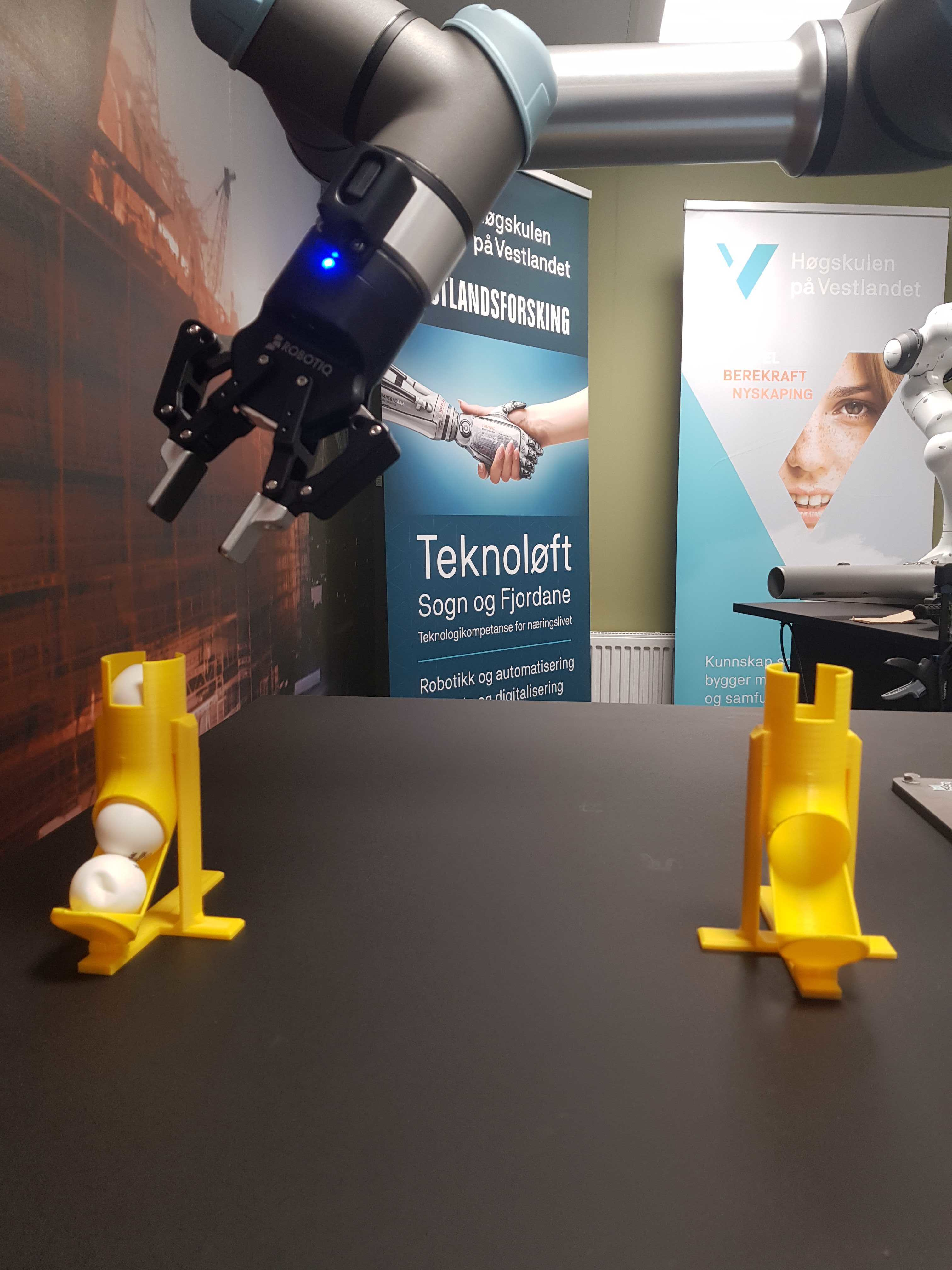
Initial conditions: Left (1) ball dispenser has 4 balls, right (2) ball dispenser has 0 balls.
In this task you will program the robot to move one ping-pong ball at a time
The program flow is the following
Pick ball from 1. dispenser
if ball not detected, halt
Place it in 2. dispenser
Repeat step 1-2 4 times
Pick balls from 2. dispenser
if ball not detected, halt
Place balls in 1. dispenser
Repeat step 4-5 4 times
Loop for ever
The dispensers will be moved around when you’re done. Therefore, make features for each dispenser and define waypoint like “approach dispenser 1” relative to dispenser 1’s feature with an origo that makes sense. For more accuracy, consider using a reference when defining a feature.
Test that balls are picked for ever. Move dispensers, update their features, test that stuff still work.
Questions
How will moveL motions differ if relative to your TCP, and if relative to flange?
What will happen if tool weight is entered too high or too low, and when?
Which direction does your TCP Z-axis point?
What did you use the safety plane for?
Did you make features for the dispensers?
Did stuff work after moving the dispensers around? Why?